Local SEO Guide: How Can Businesses Stand Out on Google Maps?
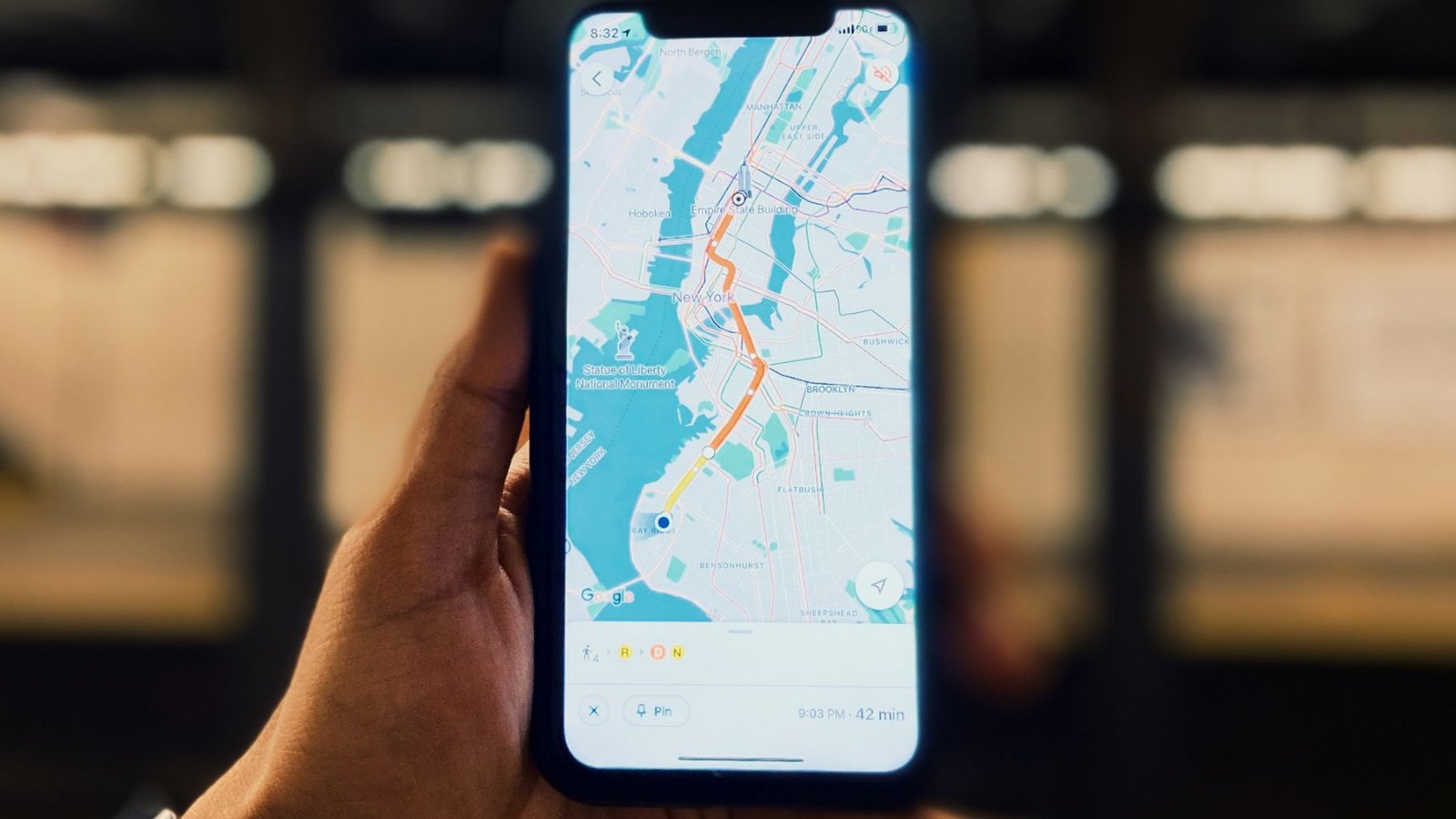
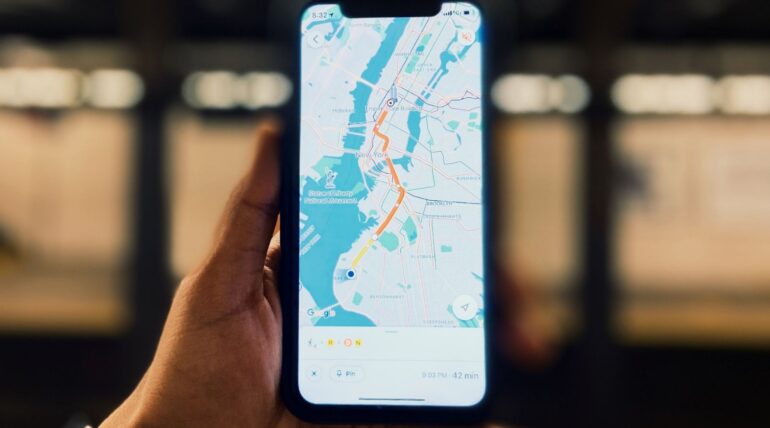
When a customer types “scrap metal dealer near me”, “Kadıköy dietitian” or “emergency drain unblocking Ümraniye” on their phone, a list with a map appears in the most visible spot of the search results. This list is called the “local pack” and shows the searcher the address, phone number, directions and reviews at a glance. The person searching often wants the service that same day, even within the hour; that is why local searches are among those closest to purchase or appointment intent.
We compiled this guide from the work we carry out with businesses in different industries and from Google’s official help pages. Instead of the unsourced statistics that competing guides often repeat, we focused on Google’s own rules and on practices that work in the field. The aim is for a small or medium-sized business to take the first steps correctly, without depending on an agency.
In this article
- The difference between local SEO and classic SEO
- Google’s three official ranking factors
- Google Business Profile: setup, verification, optimization
- Service-area businesses
- NAP consistency and platform checklist
- Yandex, Apple and Bing maps
- Long-tail local keywords
- District and service area page template
- Customer reviews
- Website, structured data and AI search
- Local SEO priorities by industry
- 90-day action plan
- Common mistakes
- Factors that determine timeline and cost
- Frequently asked questions
What Is Local SEO, and How Does It Differ from Classic SEO?
Classic SEO work aims to rank a website higher in organic results for searches independent of location, for example queries like “what is a pallet” or “what is digital marketing”. Local SEO, on the other hand, focuses on results that change depending on the searcher’s location. The same search for “scrap metal dealer” shows different businesses in Pendik and in Beylikdüzü, because Google tries to present the user with the closest and most suitable option.
The two efforts are complementary, not alternatives. A strong website increases the prominence of the Google Business Profile; a well-managed profile also sends visitors and calls straight to your site. We summarized the key differences in the table below.
| Aspect | Classic SEO | Local SEO |
|---|---|---|
| Goal | Location-independent organic ranking | Visibility in a specific city, district or nearby area |
| Where it appears | Organic results with blue links | Local pack, Google Maps and organic results |
| Core asset | Website | Google Business Profile and website together |
| Keyword type | Information- and topic-focused | Service + district, “near me”, urgent and price-focused |
| Trust signals | Content quality, links, expertise | Reviews, consistent NAP, local links, real photos |
| Measurement | Search Console and Analytics | In addition, the Business Profile performance report: searches, directions, call button |
How Does Google Rank Local Results? The Three Official Factors
In its official help page on local ranking, Google explains that local results are determined mainly by three factors. Understanding these three factors makes it easier to see which work is done and why.
Relevance
How well your profile matches the user’s search. The right category, a complete service list and a clear business description strengthen this signal.
Distance
How far the business is from the person searching. You cannot change your address; however, by defining the correct address and service area you can manage this factor properly.
Prominence
How well known the business is. According to Google, the number of reviews, ratings and websites linking to your business feed this factor.
Google Business Profile: Setup, Verification and Optimization
Google Business Profile (formerly known as Google My Business) is the center of local visibility. For any business that wants to rank high on Google Maps, the first job is to set up the profile correctly and fill it in completely.
- 1
Set up and verify your profile
Search for your business on Google Maps; if a listing exists, claim ownership, otherwise create a new profile. The verification method varies by business; recently many businesses have been asked for a short video showing the premises, signage and equipment.
- 2
Choose primary and secondary categories
The primary category is the field that most affects relevance. Instead of a broad option like “Service”, choose the category that defines your business most narrowly; use secondary categories only for services you actually offer.
- 3
Add services and products one by one
Writing each service as a separate line increases the chance of matching long-tail searches. For example, a scrap company can enter the services “copper scrap purchase”, “aluminum scrap purchase” and “factory scrap purchase” separately.
- 4
Description, hours and contact details
In the business description, explain in plain language what you do and which areas you serve. Keep working hours, public holiday hours and your phone number up to date; wrong hours are one of the most common causes of negative reviews.
- 5
Add real photos and videos
Instead of stock images, use real images that show your premises, your team, your vehicles and the work you do. Images added regularly show that the profile is active and increase user trust.
- 6
Make updates and review replies a routine
Share short updates such as a campaign, a new service or a completed job, and reply to every review. These two routines are also among the tips recommended by Google.
Don’t add keywords to your business name
Writing a name like “Sıraç Metal Pendik Cheapest Scrap Dealer” instead of “Sıraç Metal” may look attractive in the short term. However, Google’s rules on how businesses are represented require the business name to match the name used in the real world and do not allow unnecessary information to be added. Under the same rules, PO boxes and virtual office addresses are also not accepted as valid addresses. These violations can go as far as suspension of the profile.
Service-Area Businesses: Local SEO Without Showing an Address
Businesses such as scrap dealers, plumbers, locksmiths, technical service providers, movers, or a dietitian who offers home visits often go to the customer. Google defines these as “service-area businesses”. If you do not receive customers at your address, you need to hide the address and define the areas you serve.
- Limit the service area to districts and cities you can actually reach. According to Google’s rules, this area should not exceed roughly a two-hour drive from where your business is located.
- Adding a district to the service area does not guarantee a ranking in that district; the distance factor continues to work based on the business’s verified location.
- For visibility in distant districts, a healthier route is to prepare pages with original content specific to that district on your website and, if necessary, support them with paid advertising.
- If you both receive customers at your address and provide on-site service, you can show the address and additionally define a service area.
NAP Consistency and Platform Checklist
NAP tutarlılığı, işletmenizin adının, adresinin ve telefon numarasının web sitenizde, Google İşletme Profili’nizde, sosyal medya hesaplarınızda ve rehber sitelerinde birebir aynı yazılmasıdır. Tutarlı bilgi, Google’ın farklı kaynaklardaki kayıtların aynı işletmeye ait olduğunu anlamasını kolaylaştırır; tutarsızlık ise hem arama motorunun hem de müşterinin kafasını karıştırır.
Practical solution: fix the NAP details in a single reference document with their exact spelling and copy them to every platform from there. Then check the list below item by item.
- Website: footer area, contact page and structured data
- Google Business Profile: name, address or service area, phone, website link
- Yandex Business and Yandex Maps listing
- Apple Maps listing via Apple Business Connect
- Bing Places listing
- Foursquare and industry-specific directory sites
- Contact fields on Instagram, Facebook, LinkedIn and YouTube profiles
- Store details on marketplace, appointment and ordering platforms
Maps Beyond Google: Yandex, Apple and Bing
Most competing guides focus only on Google. Yet your customers use different devices and apps; some iPhone users open Apple Maps by default, and some drivers open Yandex Navigator. These listings are free and require little maintenance once set up correctly.
Yandex Business
A business listing is created to appear in Yandex Maps and Yandex Navigator. Category, working hours and photos should be kept identical to the information on Google.
Apple Business Connect
It lets you manage the business card that appears in Apple Maps, Siri and iPhone searches. A logo, cover image and action buttons can be added.
Bing Places
A business listing for Microsoft’s Bing searches and maps. You can set it up quickly by importing your existing Google Business Profile details.
Foursquare
A platform that supplies location data to many applications. Having your listing correct helps your information be passed on correctly to other services too.
Local Keyword Research and Long-Tail Patterns
In local searches, users usually type short phrases with a clear intent. For a new or small business, targeting long-tail patterns close to real search intent, instead of high-volume generic words, is both more attainable and brings more conversions. These phrases are also close to the conversational language used in AI-assisted searches.
| Pattern | Search intent | Industry example |
|---|---|---|
| [district] + [service] | Looking for a service in the area | Pendik scrap metal dealer, Kadıköy dietitian |
| near me + [service] | Wants to reach you right away | pallet buyers near me |
| emergency / on-call + [service] + [district] | Immediate need | emergency drain unblocking Ümraniye |
| [product/service] + prices + [city] | Comparison and purchase | copper scrap prices Istanbul |
| best / trusted + [service] + [neighborhood] | Looking for trust | trusted real estate agent Ataşehir |
| [service] + how / how long does it take | Gathering information | how long does drain unblocking take |
Bu kalıpları bulmak için ücretli araçlara başlamadan önce ücretsiz kaynaklara bakın: Google’ın otomatik tamamlama önerileri, arama sonuçlarında çıkan ilgili sorular kutusu, Search Console’daki gerçek sorgular ve İşletme Profili performans raporundaki arama terimleri. Bulduğunuz ifadeleri sayfa başlığına, H1 başlığına, ilk paragrafa ve profil açıklamasına doğal bir dille yerleştirin; aynı kelimeyi art arda tekrar etmek yerine eş anlamlı ve ilgili ifadeler kullanın.
District and Service Area Page Template
For businesses that serve several districts, a separate page for each important area is one of the most effective tools. The critical point here is originality. Under “link abuse”, Google’s spam policies explicitly cite near-identical pages created only to target different cities and regions. Copying the same text and merely swapping the district name is therefore risky.
- 1
Heading and first paragraph
Include both the district and the service in the H1. Let the first paragraph directly answer the question “Which service do you provide in this district, how, and how quickly?”
- 2
Area-specific information
Add real details that belong to that district, such as the neighborhoods you serve, typical requests in the area, industrial estates or transport information.
- 3
Service list and process
Describe, step by step, the services you offer in that area and how your workflow runs. If possible, use real photos of jobs you have done there.
- 4
Area-specific FAQ
Answer the questions customers genuinely ask from that district, and mark up this section with question-and-answer structured data.
- 5
Contact, map and internal links
Add consistent NAP details, a click-to-call button and a map embed, and link the page to your main service page and to neighboring district pages.
Customer Reviews: Collecting, Responding and What Is Prohibited
Reviews are one of the signals Google mentions directly under the prominence factor, and they are also the element that most influences a customer’s decision. The healthy way to increase your review count is to make asking satisfied customers for a review a natural part of your workflow.
- Get your review link from the Business Profile dashboard and share it in a short message after the job is delivered.
- Generate a QR code from the same link and add it to the checkout counter, the invoice, your vehicle or the delivery document.
- Give every review, whether positive or negative, a short, personalized reply.
- Do not ask customers to use particular words in their review; natural wording is the most reliable signal.
How to respond to a negative review
A negative review can become an opportunity to build trust when it is answered well. First thank the customer, acknowledge the problem without getting defensive, offer a concrete contact channel for a solution and do not share personal information. Once the issue is resolved, you can politely ask the customer to update their review. If the review is genuinely fake or violates policy, reporting it through the profile dashboard is the only correct route.
The Website Side: Structured Data, Mobile and AI Search
No matter how strong your Google Business Profile is, the website is the second leg of local visibility. The page your profile’s website link points to must load quickly, work comfortably on mobile and contain the same information as the profile. If you are building a site from scratch or refreshing your existing one, our corporate website service builds this foundation from the start.
- Structured data: Add LocalBusiness schema to the home page and the contact page; the address, phone, opening hours and service area should match the profile here too.
- Mobile experience: Keep click-to-call and message buttons visible on the first screen, and keep forms short.
- Page speed: Compress large images and remove unnecessary plugins.
- AI search: ChatGPT, Gemini and Google’s AI summaries prefer content that gives a clear answer and has an identifiable source. Writing frequently asked questions with clear answers supports this visibility; for details, see our What is GEO guide.
Local SEO Priorities by Industry
The same steps apply in every industry, but the priorities change. The cards below summarize the priorities we see in the field in the industries among our clients.
Scrap metal and recycling
Searches for “district + scrap metal dealer” and “scrap prices” stand out. As in the Sıraç Metal project, district-based service pages and regularly updated price content are the core building blocks of this industry.
Pallets and logistics
Most buyers are corporate companies. For businesses like Güney Palet, the right category, a service area covering industrial zones and fast contact buttons come first.
Health and consulting
For dietitians, clinics and consulting businesses, reviews and expertise information are decisive. An appointment link, an expert biography and informative content work together.
Tourism and travel
Agencies want to appear in both local and out-of-town searches. The profile for the office location and detailed web content on topics such as tours and visas should be planned together.
Real estate
Searches for “neighborhood + for sale / for rent” are heavy. Area guides, real portfolio photos and agent information create trust signals.
Local services and infrastructure
Drain unblocking, plumbing and infrastructure companies are mostly service-area businesses. The area-based pages and click-to-call structure we applied in the Ural Altyapı Tünel and Tıkanıklık Gideraçma projects are the foundation of this industry.
Local SEO Ranking Factors Checklist
The table below is designed to help you track the work on a regular basis. The “Priority” column is our own prioritization based on the three factors Google has disclosed; it is not an official weighting.
| Factor | Related factor | Priority | Check frequency |
|---|---|---|---|
| Correct primary category and a complete profile | Relevance | High | Monthly |
| Correct address or service area | Distance | High | When anything changes |
| Review count, rating and response rate | Prominence | High | Weekly |
| NAP consistency (website and directories) | Prominence | High | Quarterly |
| District and service pages | Relevance | Medium-high | When a page is published |
| Local links and press coverage | Prominence | Medium | Quarterly |
| Photos and posted updates | Prominence | Medium | Weekly |
| Mobile speed and usability | User experience | Medium | Monthly |
90-Day Local SEO Plan
The plan below is designed for a business starting from scratch or one that has been neglected for a long time. Rankings vary with competition, but the order of the steps is usually the same.
- 1
Days 1-15: Basic setup
Verify your Google Business Profile, edit the category and services, prepare a NAP reference document, and correct the contact details and structured data on your website.
- 2
Days 16-30: Platforms and review process
Create listings on Yandex, Apple, Bing and Foursquare; add the review link and QR code to your workflow; reply to all existing reviews.
- 3
Days 31-60: Content and district pages
Build the keyword list, publish the priority district and service pages with original content, and set up internal links to the main service pages.
- 4
Days 61-90: Measurement and improvement
Compare the Business Profile performance report, Search Console queries and the clicks for calls and directions; step up content and review work for the districts and services that are lagging.
This plan also shows that local search work is not a one-time setup but a process that needs regular maintenance. You can run the plan with your own team or get support for specific steps.
Common Mistakes
- Choosing a wrong or overly broad primary category in Google Business Profile
- Adding a district, service or slogan to the business name
- Creating a profile with a virtual office or P.O. box address
- Leaving addresses and phone numbers written differently on different platforms
- Buying reviews, or giving discounts and gifts in exchange for reviews
- Copying the same text for every district and only changing the district name
- Defining a service area so wide that it cannot realistically be covered
- Leaving negative reviews unanswered or arguing with the customer
- Not updating the profile for a move, a phone number change or holiday hours
- Not measuring results and only checking “are we showing up on the map?”
Factors That Determine Timeline and Cost
The time to see results and the cost of local work vary greatly from business to business. The effect of profile edits usually starts to show within a few weeks, while the effect of district pages, accumulated reviews and link-building settles in over months. Instead of giving a single figure, looking at the factors that determine timeline and budget sets a more accurate expectation.
- The level of competition in your district and industry
- Number of branches and number of target districts or cities
- The state of your current profile and website, and any past policy violations
- The amount of district, service and blog content that needs to be prepared
- Who within the business will manage the review collection process
- Whether the work will be supported with paid advertising
When you need fast visibility, you can support local work with Google Ads location campaigns or Meta Ads management. Advertising sustains demand until organic visibility builds up, while organic work reduces dependence on ads in the long run. For the big picture, see our article what is digital marketing, and to choose the team that will support you, see our guide what to consider when choosing a digital marketing agency.
Frequently Asked Questions
What is local SEO, and how does it differ from classic SEO?
Local SEO is the work that makes a business appear in location-based searches, especially on Google Maps and in the local map pack. While classic SEO targets organic rankings regardless of location, local work focuses on location-specific signals such as the Google Business Profile, reviews, NAP consistency and district pages.
What criteria does Google use to rank local results?
Google explains that local results are determined mainly by relevance, distance and prominence. Complete and accurate information, review count and ratings, and websites that link to your business support these factors.
Can I appear on Google Maps without a website?
Yes, a Google Business Profile alone lets you appear on maps. However, a website supports relevance and prominence, provides extra visibility in district and service searches, and gives customers confidence. In competitive areas, using both assets together delivers stronger results.
How do I create and verify a Google Business Profile?
You can search for your business on Google Maps and claim ownership, or create a new profile. The verification method varies by business; many businesses are asked for a short video showing the premises, the signage and the equipment.
Can I do local SEO without showing my address?
Yes. If you serve customers at their location, you can hide your address as a service-area business and define the areas you travel to. Under Google’s rules, the service area should not exceed roughly a two-hour drive.
What is NAP consistency and why does it matter?
NAP means writing the business name, address and phone number identically on the website, Google Business Profile, social media and directories. Consistent information makes it easier for Google to match records to the same business and prevents customers from running into incorrect details.
Can I offer a discount or gift in exchange for a review?
No. Google treats offering incentives in exchange for reviews as fake engagement and strictly prohibits it. Instead, you can share your review link and QR code with all your customers, whether or not they are satisfied.
Do negative reviews lower my ranking, and how should I respond?
More than individual negative reviews, what matters is your overall rating, your review count and how you respond. Give a short, calm reply that thanks the reviewer, acknowledges the problem and offers a concrete channel for a solution.
I have several branches. Should I create a separate profile for each?
Yes. Every physical branch that serves customers should have its own Google Business Profile and its own branch page on the website. Combining all branches into one profile violates the rules.
Does adding keywords to the business name improve rankings?
Google’s rules require the business name to match the name used in the real world and do not allow unnecessary information to be added. Breaking this rule can lead to the profile being suspended; a possible short-term effect is not worth that risk.
Should I also register with Yandex, Apple Maps and Bing?
Yes, it is recommended. Your customers use different devices and apps; Yandex Business, Apple Business Connect and Bing Places listings are free and, once set up correctly, need little maintenance. Make sure the details are identical to your Google Business Profile.
How many months does local SEO take to deliver results, and what does the cost depend on?
The effect of profile edits usually starts to show within a few weeks, while the effect of district pages and accumulated reviews settles in over months. Timeline and cost vary with the level of competition, the number of branches and districts, the condition of the existing website and profile, and the amount of content to be prepared.
Let’s plan your local visibility together. At Peaq Digital, we tailor every local SEO step to your business, from Google Business Profile optimization and district pages to the review process and measurement infrastructure.
Request a free preliminary assessmentRelated pages: SEO Service · What Is GEO? · Google Ads Management · Meta Ads Management · Corporate Website · Custom Software · All Our Services · Clients · Blog